
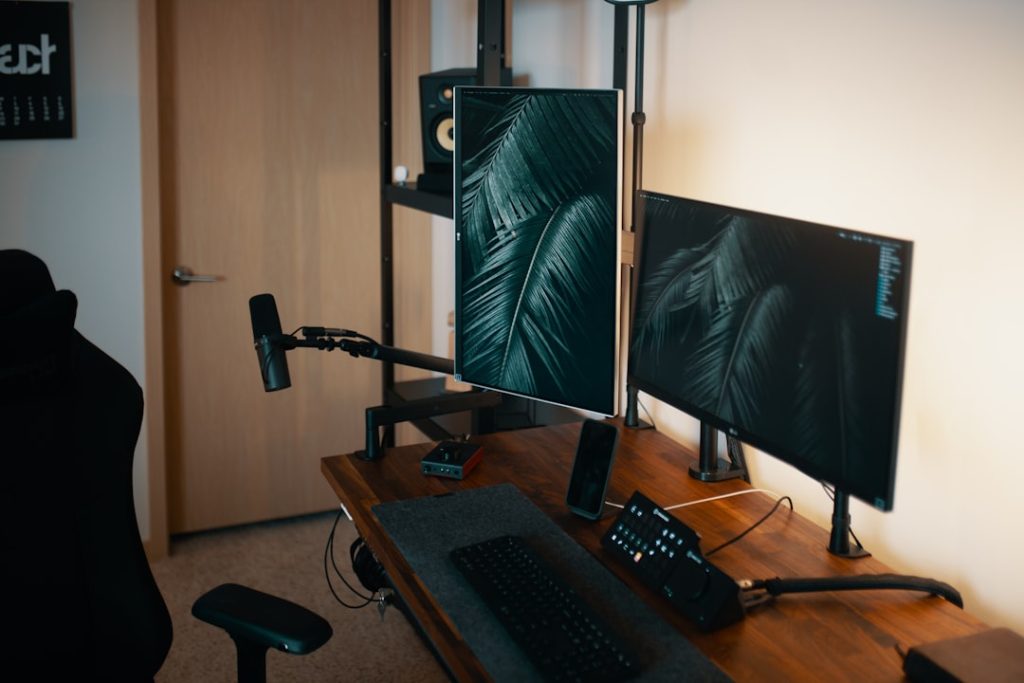
In the world of gaming, your chair is your throne. It’s where hours of immersive gameplay happen, where victories are celebrated, and where defeats are handled with grace (or perhaps a bit of frustration). However, like any piece of furniture that takes on the wear and tear of daily use, gaming chairs can succumb to the ravages of time. Fear not, dear gamer! Repairing your beloved chair is not only possible but can be an enriching experience. Let’s dive into the art and science of gaming chair repair.
### Understanding the Anatomy of a Gaming Chair
Before you embark on your repair journey, it’s essential to understand what makes up your gaming chair. Most chairs consist of several key components: the seat, backrest, armrests, base, and wheels. Each of these elements can face unique challenges over time. From fabric tears to wobbly bases, knowing where the issues lie will save you time and frustration.
### Common Problems and Solutions
1. **Torn Upholstery**: One of the most common issues gamers face is torn fabric or worn leather. A quick fix is to use fabric glue or a patch kit specifically designed for upholstery. For a more polished look, consider sewing the torn area with a needle and thread. If you’re feeling crafty, you could even recover the chair in a completely new fabric!
2. **Wobbly Base**: A wobbly base can lead to an uncomfortable gaming experience. Often, this issue arises from loose screws or damaged components. Tighten all screws and bolts using a wrench or screwdriver. If the base is cracked, you might need to replace it altogether. Most chair manufacturers sell replacement parts.
3. **Broken Armrests**: Armrests can take quite a beating, especially during those intense gaming sessions. If your armrests are loose or broken, check if you can reattach or tighten them. For breaks, consider using a strong adhesive or a wooden dowel to reinforce the connection.
4. **Gas Lift Issues**: If your chair sinks lower than intended or won’t rise, the gas lift cylinder might be faulty. Replacement is usually straightforward, but it requires a bit of disassembly. Make sure to get the right size for your chair model.
### The DIY Approach: Empowering Your Repair Skills
While it might be tempting to throw in the towel and buy a new chair, embracing a DIY repair approach can be rewarding. Not only does it save money, but it also allows you to customize your chair to your liking. Plus, there’s something immensely satisfying about fixing your equipment, which enhances your overall gaming experience.
**Gather Your Tools**: Before you start, make sure you have the necessary tools. Common tools include a screwdriver, pliers, fabric glue, and scissors. For more extensive repairs, you might need a wrench or a drill.
**Research Your Model**: Look up repair guides or tutorials for your specific chair model online. Many gamers share their repair experiences, and you can benefit from their knowledge.
### Eco-Friendly Alternatives
In an age of sustainability, consider opting for eco-friendly repair options. For instance, look for recycled materials for upholstery, or choose eco-friendly glues and adhesives. Repairing your chair not only prolongs its life but also reduces waste in landfills. Plus, it’s a step towards creating a more sustainable gaming setup.
### Beyond Repair: Innovative Uses for Old Gaming Chairs
If your chair is beyond repair, don’t despair! There are creative ways to repurpose your gaming chair. Transform it into a cozy reading nook or use the components to create unique furniture. For example, the base can become a plant stand, and the seat can be transformed into a stylish cushion for your home.
### Conclusion: Invest in Your Comfort
Repairing your gaming chair can be an enriching and budget-friendly alternative to buying new. Not only do you save money, but you also invest in your comfort, enhancing your gaming experience. So, the next time your throne shows signs of wear, roll up your sleeves and embrace the art of repair. After all, every great gamer knows that a little effort goes a long way in keeping your gaming setup top-notch. Happy gaming!